The upper limit of your shade is factory preset to an open position. However, you might want to adjust the upper limit to accommodate window hardware or other obstructions. Adjusting the upper limit is easy!
Adjusting the Upper Limit of Your Shade
If your single channel remote currently controls a group of shades, you’ll first need to target the specific shade that you want to adjust the upper limit for. Follow the steps below. If you control only controls one shade- see below section Adjust the Upper Limit
Before You Start- Only if your remote controls a group of shades
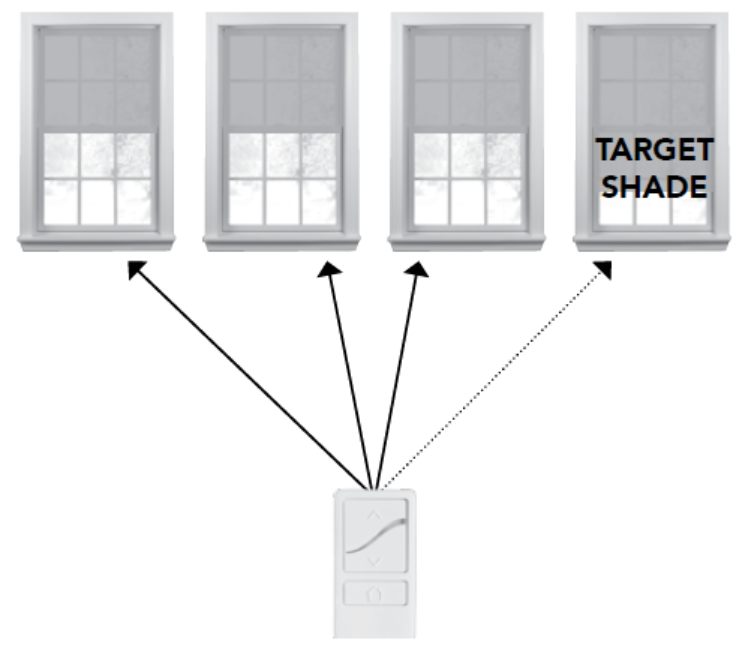
If your remote currently controls a group of shades, you’ll first need to target the specific shade that you want to adjust the upper limit for. To do that, perform the following steps:
On the remote, tap the program button on the back briefly.
The remote LED will flash green.
On the shade you want to adjust, press and hold the program button for 3 to 5 seconds until the LED flashes green.
The shade LED will flash green, jog, and then turn off.
Even after you target a shade, all of the shades in the group will still move with the remote. However, only the last paired shade or the currently targeted shade will set new upper limit while programming.
Adjust the Upper Limit: Basic (Two-Button) or Plus (Single Channel) Remote
On the remote, press and release the UP button. Wait until the shade reaches its current upper limit.
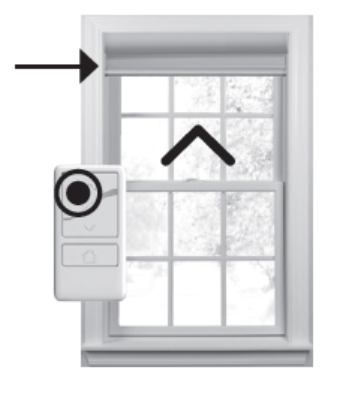
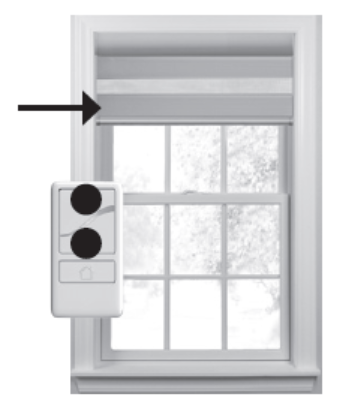
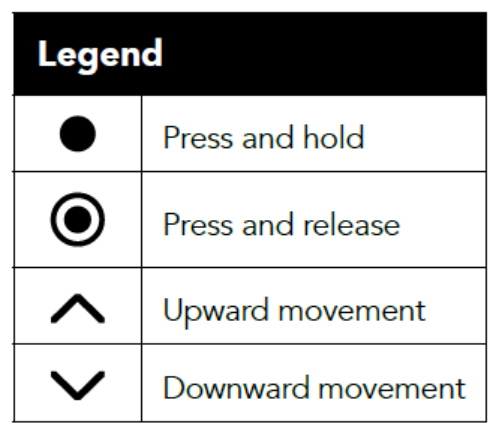
Press and hold the UP and DOWN buttons at the same time for 3 seconds. When the remote LED turns amber, release both buttons.
The shade will jog.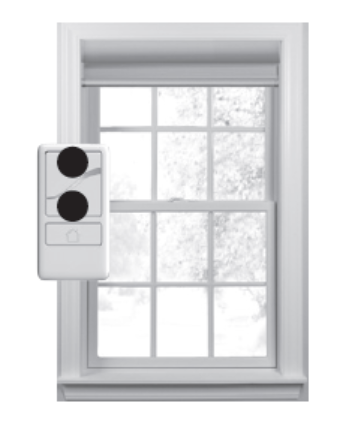
Use the UP and DOWN buttons to move your shade to the new upper limit. Don’t attempt to move the upper limit to a position higher than the preset limit—that could damage your shade.
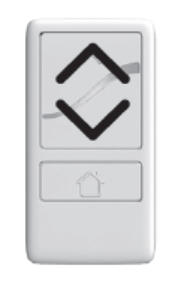
4. Press and hold the UP and DOWN buttons at the same time for 3 seconds. When the remote LED turns amber, release both buttons.
The shade will jog. This means you've set your new upper limit!
5. If you need to adjust another shade's upper limit, go back to the Before You Start section and repeat all the steps for each shade.
For additional support:
Email: motorization.support@springswindowfashions.com, responses could take up to 24 hours
Customer Service Team: 1-800-221-6352
Was this article helpful?
That’s Great!
Thank you for your feedback
Sorry! We couldn't be helpful
Thank you for your feedback
Feedback sent
We appreciate your effort and will try to fix the article